Moved + modified
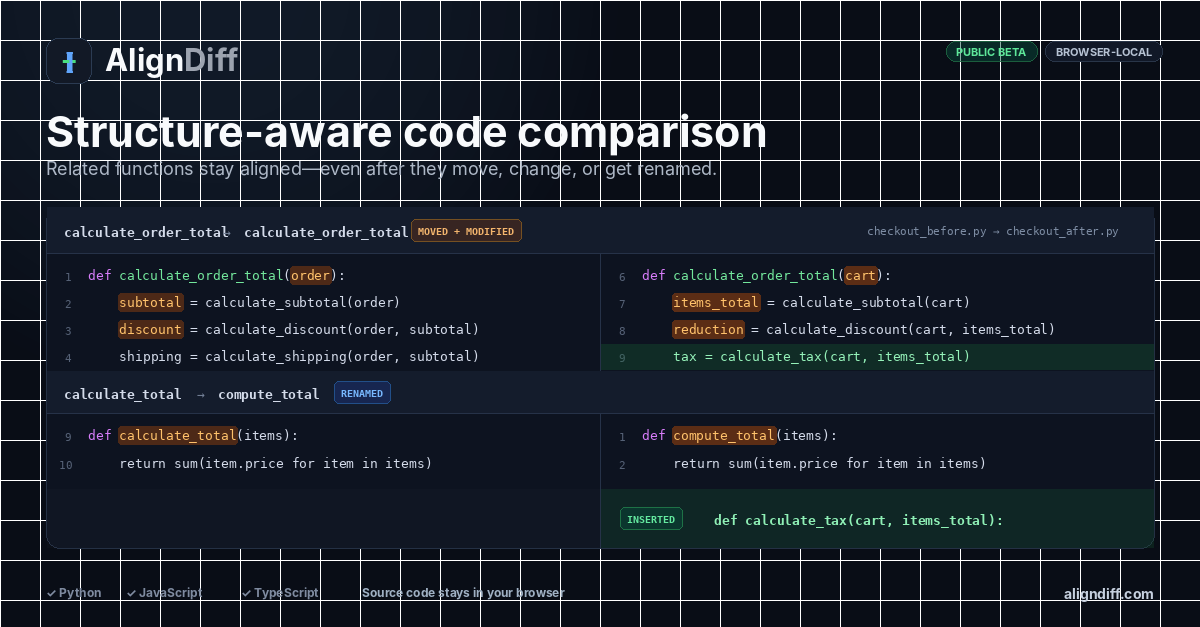
calculate_order_total changes position, parameters, local names, and calculations.
Python comparison example
Python refactors often move helper functions while changing names, parameters, calculations, and return expressions. AlignDiff keeps likely counterparts together before showing the detailed edits.
Strongest current example
calculate_order_total changes position, parameters, local names, and calculations.
calculate_total is paired with compute_total.
A tax calculation stays one-sided instead of shifting the following rows.
calculate_tax appears as new code rather than a false counterpart.
How to read the result
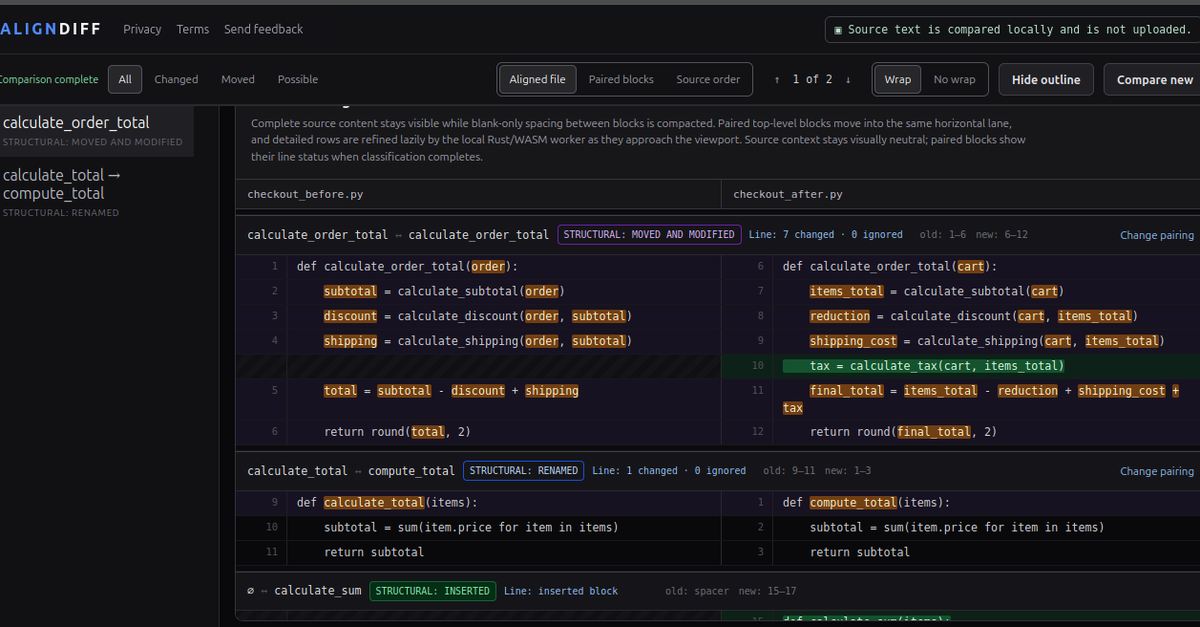
Check that the old and new function are credible counterparts. Review possible alternatives when confidence is not strong.
The block label explains that source position changed; highlighted rows explain what changed inside it.
Inserted tax logic remains visibly new, while related return statements remain aligned.
Current Python boundary
AlignDiff treats Python as source text and never executes it. The parser can identify supported structures and the comparison engine can align their detailed changes.
Syntax errors or unsupported constructs may reduce structural coverage or trigger text fallback. Important changes still require tests and human review.
Continue exploring